Your profile and QR code
Your profile is what someone sees when they look you up on INVOLVO — after an event, or when deciding whether to accept your friend request.
Sharing it
Two ways, both useful in person:
- Your QR code, which someone scans with their phone to open your profile.
- Your profile link, which you can copy and send.
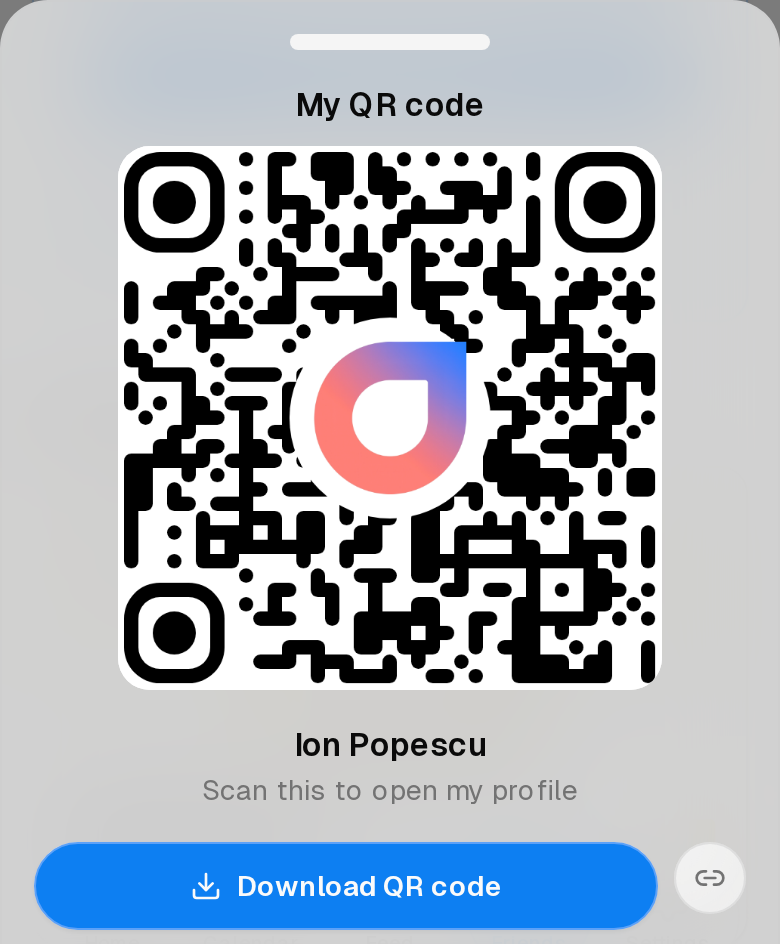
Both do the same thing: they take someone straight to your profile. That is quicker than getting them to search your name at an event where several people share it.
Sharing your profile is not the same as adding someone. It gets them to the right page; they still have to answer your network questions to send a request. See Your network questions.
What is on it
Your name, your picture, and the things you have chosen to make visible.
Some parts of a profile — your Impact Points, the topics you go to most, an overview of your activity — are not shown to everyone. They are available to your friends, and even then not automatically. See What other people can see about you.
A note on giving it out
A QR code is a fast way to hand someone your profile, which is exactly what makes it worth a moment’s thought at a busy event. There is no harm in someone opening your profile — the network questions still stand between them and a friend request — but share it with people you actually spoke to, rather than leaving it on display.